Moving a booking on the TABLE VIEW
To move an activity booking via the TABLE VIEW make sure booking is checked in on the system first.
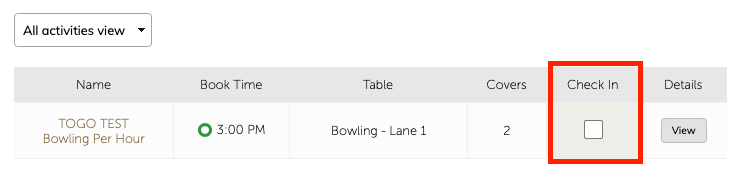
When checked in, the booked activity (Table) will turn green.
To move them to a different activity/lane/stall etc Click and hold the green table until it starts to visually wobble, then drag onto desired activity/lane/stall etc
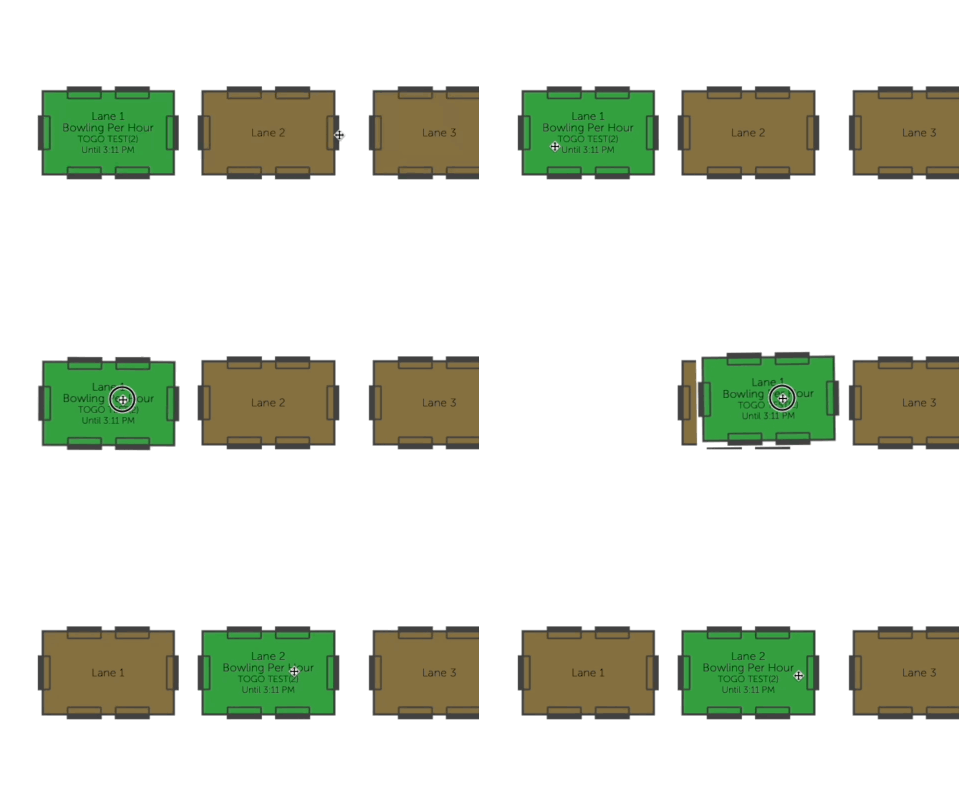
This feature enables you to be able to move customers from one activity to another for break downs etc. It only functions on the day of the activity.