How to add Assets in Togo CRM
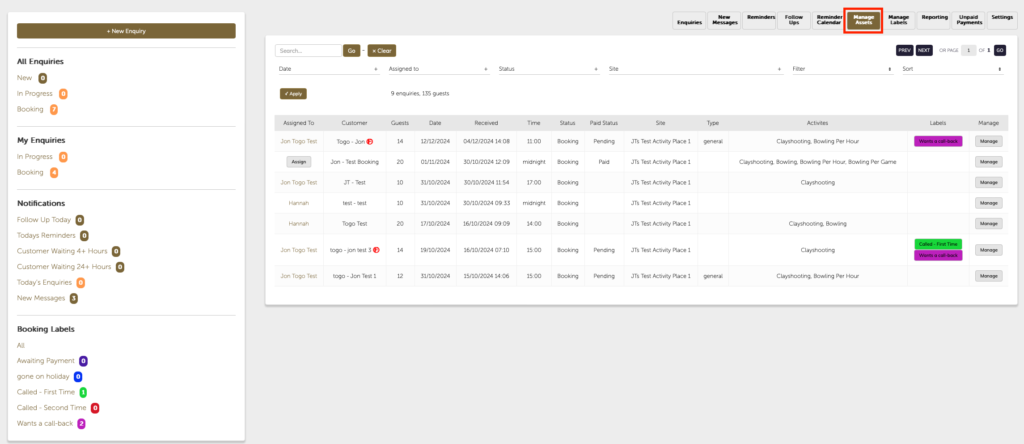
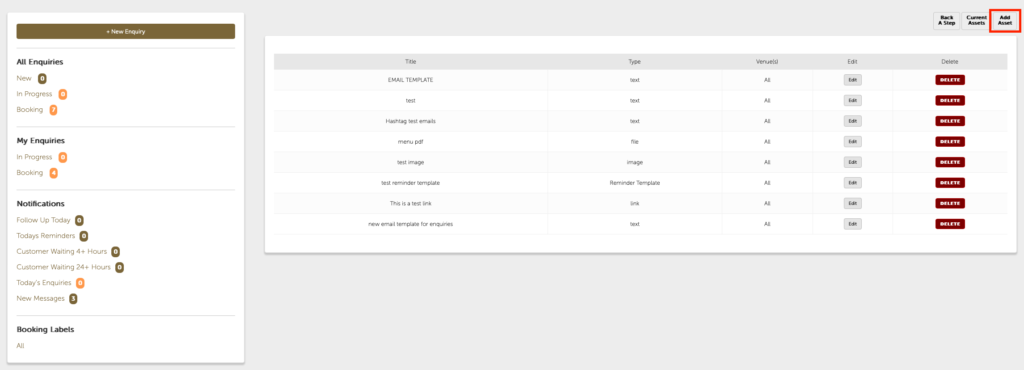
To add an asset click MANAGE ASSETS, this will bring up a list of your current assets if you have any if you don’t click in the top right hand corner the button that says add asset.
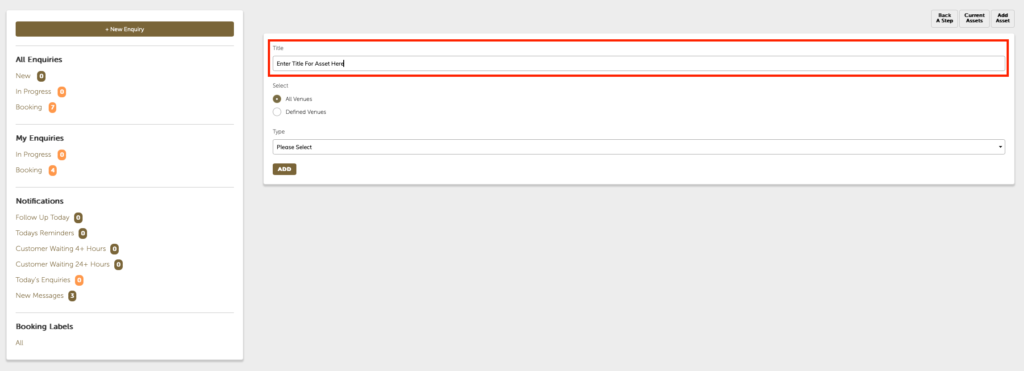
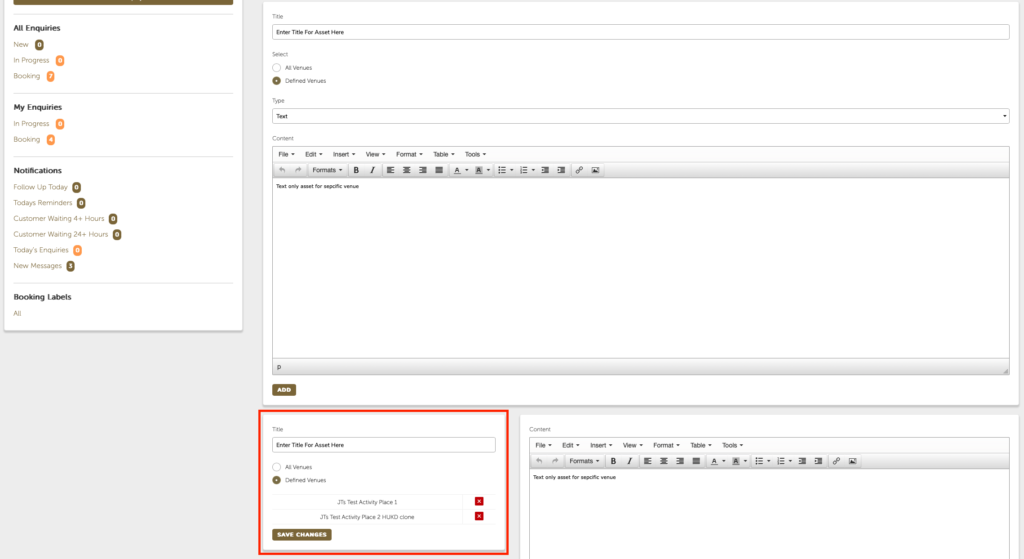
You will then be presented with the screen that allows you to add a TITLE to the asset that you want to create.
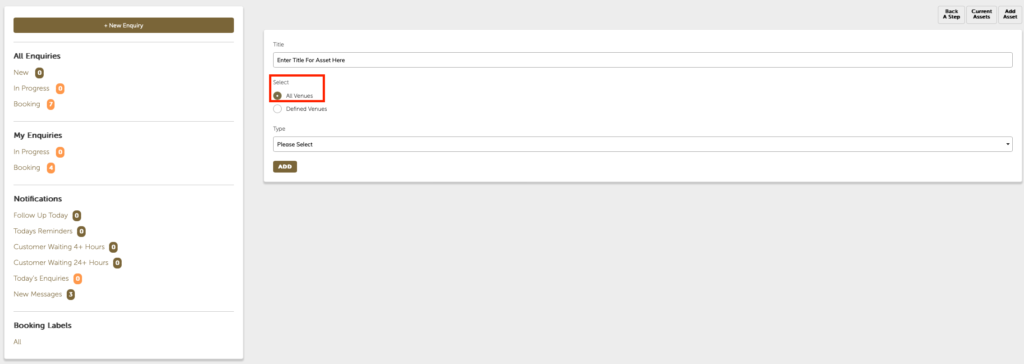
Then either choose ALL VENUES or DEFINED VENUES to set which venues the asset will be available for available for. If you have multiple values you can select for just the certain ones or all venues and then you’ll be able to select the asset from the drop-down me menu.
If you chose DEFINED VENUES you will then see the following selection box. Just Click the red x to make the asset available to the corresponding venue.
Depending which type of asset you choose, you will then see a section to fill out.
There are five different types of assets that can be added to the CRM in Togo. These are text link image file and reminder template
The text asset type allows you to build text only email templates and can also be used to add HTML email templates
The link asset type allows you to add shortened URL links with text instead say if you want to link to your website for example
The image assets type allow you to store images such as JPEG or PNG files
The file type of asset allows you to upload PDF documents or Word files to attach into your email messages
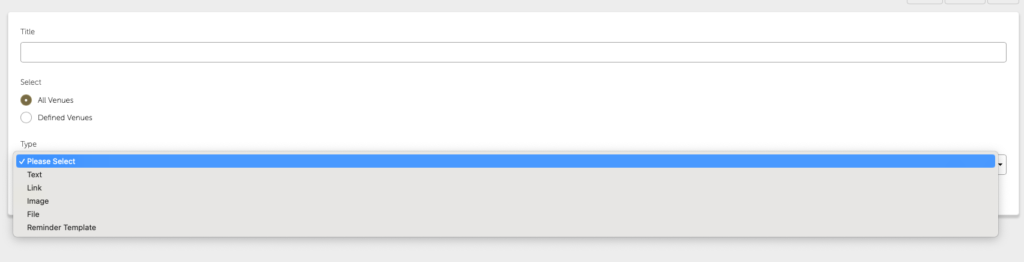
for example if you choose text you will be presented with a text editing box from which you can write a text only email or if you have the means to build HTML emails you can then click the tools button and choose source code and then paste that HTML into the space available.
Then click add
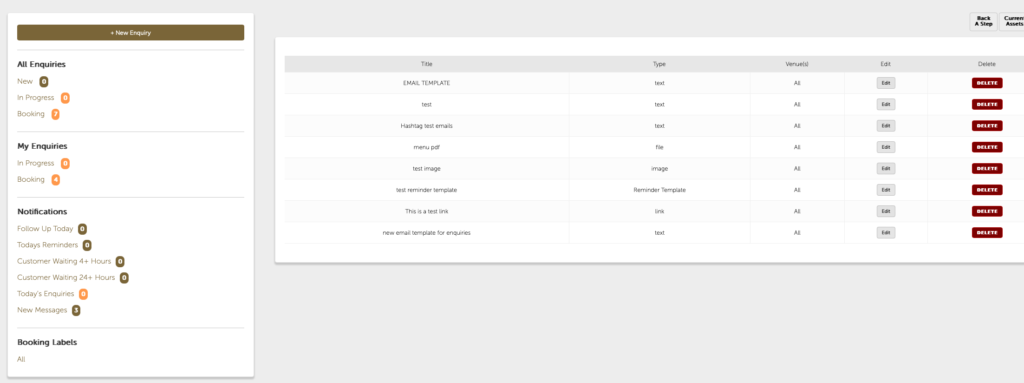
You will be taken back to the list of current assets. you can edit these assets at any time by clicking the edit button next to that particular asset.
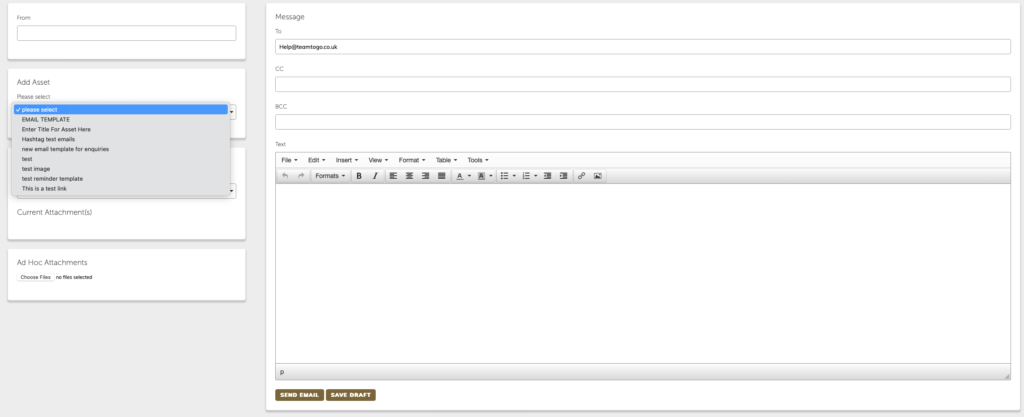
Your asset ()will now be available in the Asset drop-down menu at the side of the message builder for TEXT, LINKS, or IMAGES or the Asset Attachment drop down for FILES
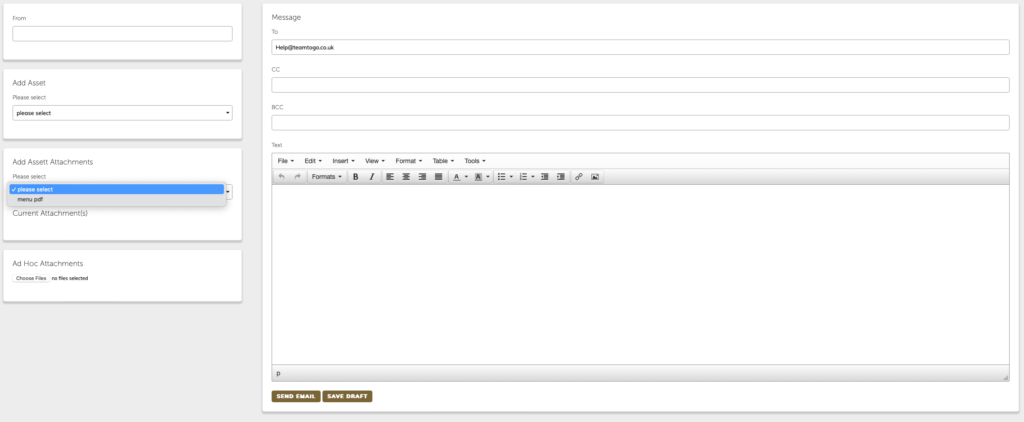
or in the case of the reminder templates that will be available on the Reminders button whilst managing an enquiry
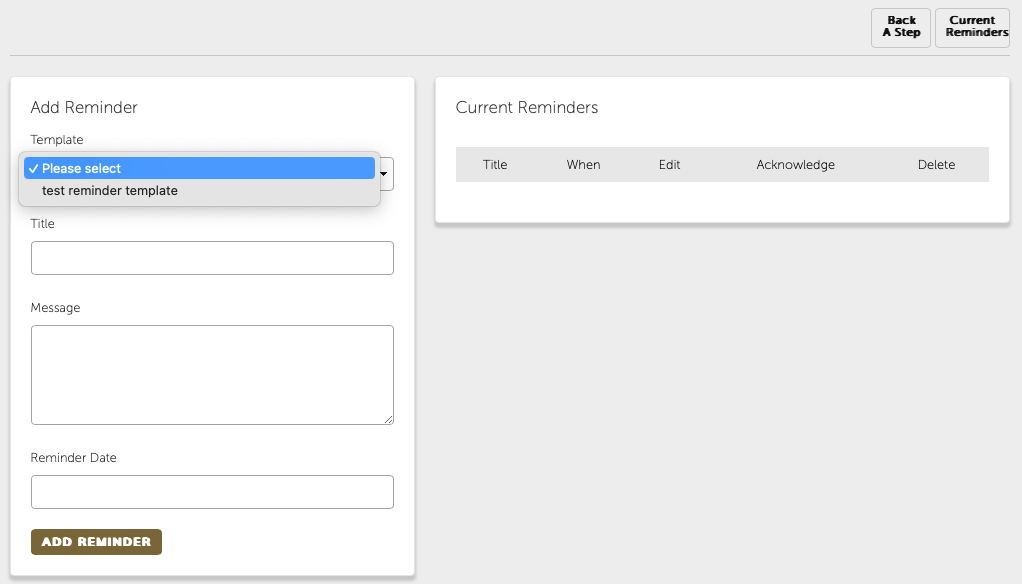
Please note the reminder template only gives you a title for that reminder. You still have to type a message and set the reminder date.