How to Disable Onelink in Stripe
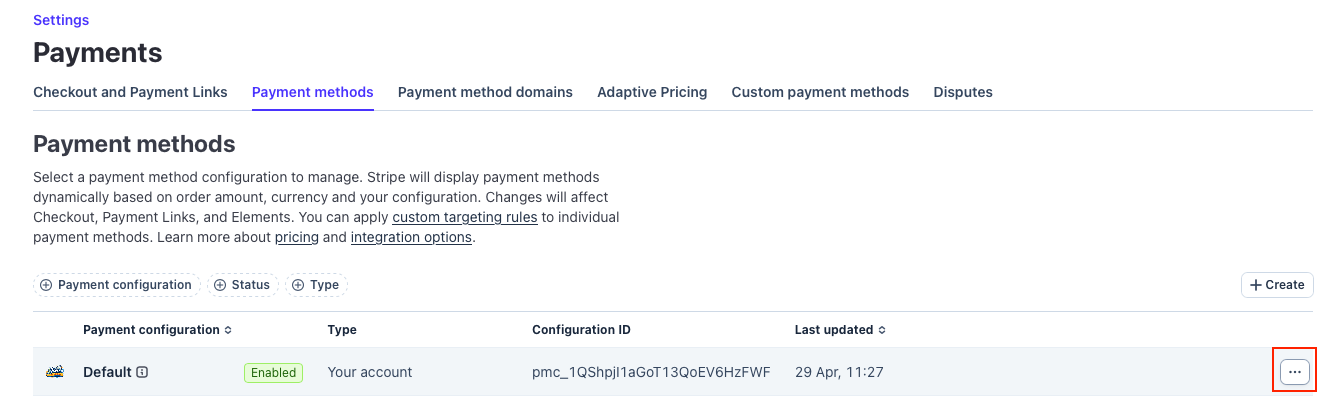
To do this go to your dashboard and type Payment Methods in the search bar, then select the option that says Settings > Payments > Payment Methods.

From here click on the 3 dots next to the Payment configuration you are using for this venue and click Manage Configuration

Then scroll down to where is says Onelink, click on the 3 dots next to it then click View Details

Then Click Disable

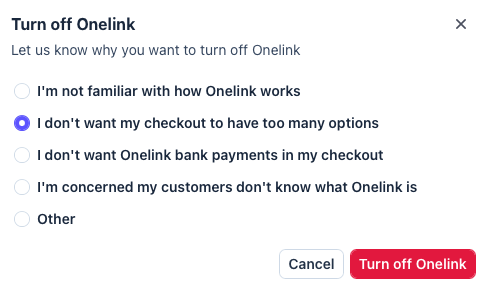
Choose this option and click Turn Off Onelink